 how-to
How to Maintain Your Stairlift Battery Life
Last Updated: October 29, 2026
Quick Summary
To maintain your stairlift battery, park the chair at the charging point after every ride and leave the lift switched on so the charger can trickle. Ride it daily, clean the charging contacts and rail charge strips monthly, and act early on warning signs.
- Park at the charge point even if you plan to ride again in an hour.
- Leave the wall switch on at all times; the charger draws very little power when full.
- Take one round trip a day, even if you do not need to.
- Clean charging contacts and rail charge strips monthly with a dry, lint-free cloth.
- Two or more warning signs together mean you should act rather than wait.
Table of Contents
- Step 1: Park at the Charging Point Every Time
- Step 2: Keep the Stairlift Switched On
- Step 3: Use the Stairlift Regularly to Avoid Battery Stagnation
- Step 4: Clean Charging Contacts and Rail Charge Strips
- Step 5: Remove Dust and Debris from the Rail
- How Long Do Stairlift Batteries Last?
- Stairlift Battery Warning Signs to Watch For
- Troubleshooting: What to Do When Your Stairlift Is Not Charging
- Frequently Asked Questions
Step 1: Park at the Charging Point Every Time
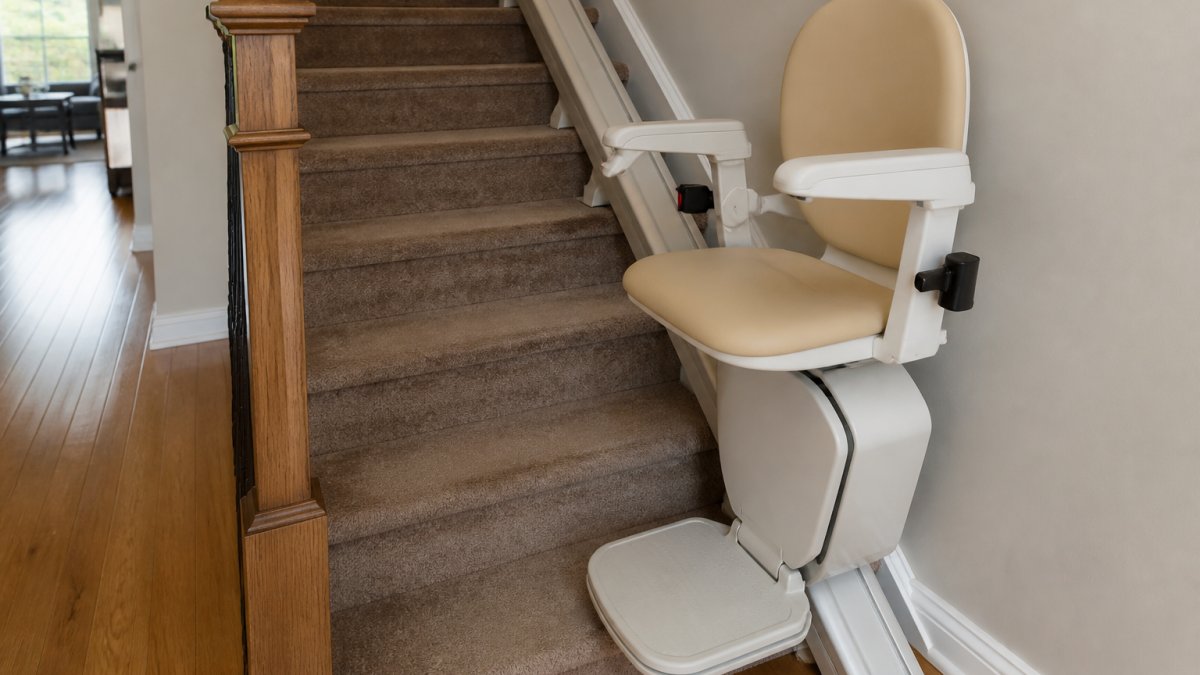
The single most important habit for stairlift battery life is simple: park the chair at the charging point after every ride. Most stairlift batteries are sealed lead-acid or lithium units that charge through the rail. When the chair sits anywhere else on the track, it stops receiving power. Do this often enough and the battery drains, sulfates, and ages faster than it should.
The charging point is where the chair should live. Make it the default position. When you finish a trip up or down, send the chair back to the charge point before you walk away.
A few habits that help:
- Park at the charge point even if you plan to ride again in an hour
- Listen for the charger's quiet hum or check the indicator light
- Keep the charge point clear of boxes, laundry, and clutter
- Never leave the chair mid-rail overnight
If you want a professional to check your charging setup or assess your staircase, you can contact CT Stairlifts for a consultation.
Step 2: Keep the Stairlift Switched On
Leaving the stairlift switched on is not wasteful. It is required. The charger needs constant power to top off the battery and keep it at a healthy level. Switching the lift off at the wall cuts that lifeline.
Here is what most guides miss: the charger draws very little power when the battery is full. It trickles. Turning the lift off to "save electricity" usually costs you a battery instead.
What to do:
- Leave the wall switch on at all times
- Keep the main power switch on the chair in the on position
- Only cut power for service or an extended move
- Check the breaker if the charger light goes dark
Watch out: flipping the wall switch off during a storm to protect electronics can leave the battery flat for days. If you must cut power, restore it as soon as the weather clears.
Step 3: Use the Stairlift Regularly to Avoid Battery Stagnation
Batteries that sit idle lose capacity. This is called battery stagnation, and it is one of the quietest killers of stairlift batteries. A lift that runs daily stays healthier than one used twice a month.
A common mistake is treating the stairlift like a fire extinguisher: there when you need it, ignored otherwise. In practice, a short daily ride keeps the battery cycling and the charger working as designed.
Try this routine:
- Take one round trip a day, even if you do not need to
- Run the lift to the top and back at least twice a week
- If a caregiver or family member visits, have them ride it
- During vacations, ask someone to cycle the lift every few days
The frequency of use matters more than distance. Two short trips beat one long one.
Step 4: Clean Charging Contacts and Rail Charge Strips
Dirty contacts block the flow of power. The charging contacts on the chair and the charge strips along the rail collect dust, pet hair, and oily residue over time. Clean them monthly and the battery charges more reliably.
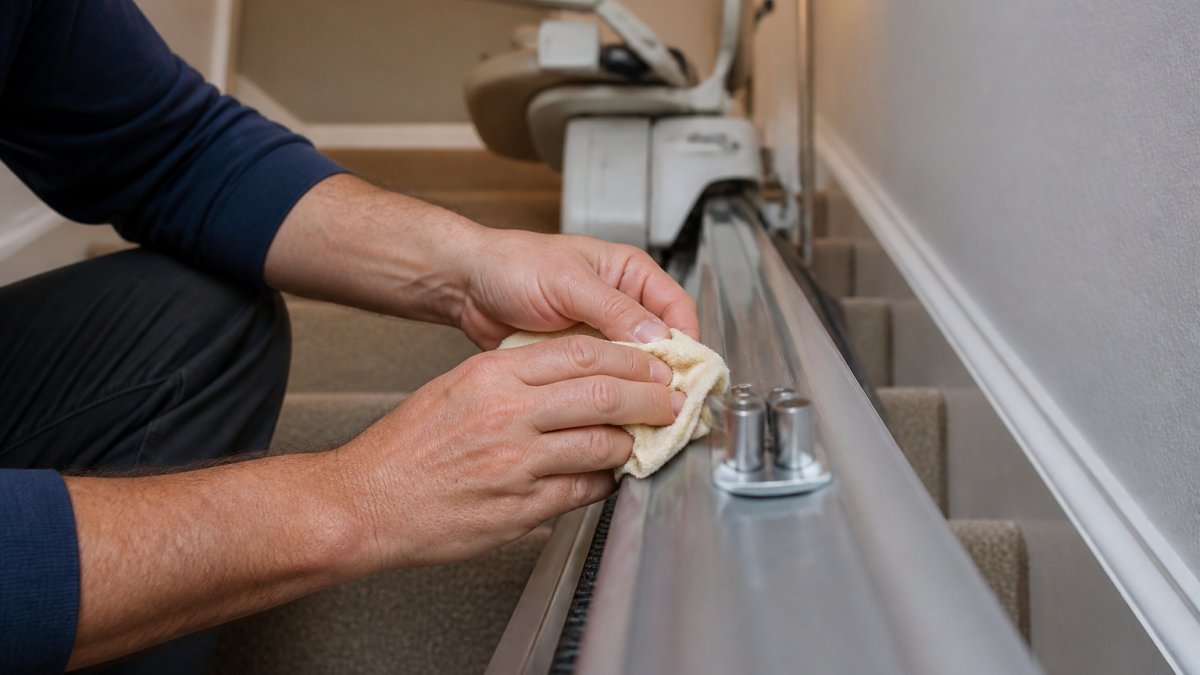
How to clean charging contacts and charge strips:
- Switch the lift off at the wall before you start.
- Wipe the contacts with a dry, lint-free cloth.
- For stubborn grime, dampen the cloth with a little isopropyl alcohol.
- Wipe the charge strips along the rail where the chair parks.
- Let everything dry fully before restoring power.
- Check the charger light comes back on.
Never use water directly on the contacts or spray cleaners into the rail. For related upkeep beyond the battery, our stairlift maintenance tips for homeowners cover the full checklist.
Here is the cleaning routine the article recommends for charging contacts and rail charge strips.
| Step | What to do |
|---|---|
| 1 | Switch the lift off at the wall |
| 2 | Wipe contacts with a dry, lint-free cloth |
| 3 | Dampen cloth with isopropyl alcohol for stubborn grime |
| 4 | Wipe the charge strips where the chair parks |
| 5 | Let everything dry fully before restoring power |
| 6 | Check the charger light comes back on |
Step 5: Remove Dust and Debris from the Rail
A clean rail means smooth operation. Dust, crumbs, pet hair, and small debris build up on the rail and can cause the chair to drag, stall, or stop short of the charge point. When that happens, the battery never gets a full charge.
Wipe down the rail monthly with a dry cloth. Vacuum the track with a brush attachment every few weeks if you have pets. Check for obstructions near the top and bottom landings, where debris tends to collect.
Signs the rail needs attention:
- The chair moves slower or jerks
- You hear unusual sounds during a ride
- The lift stops before reaching the charge point
- The battery level drops faster than usual
A clean rail keeps the lift ready to use and protects the battery from partial charging.
How Long Do Stairlift Batteries Last?
Stairlift battery lifespan depends heavily on how the lift is used and charged, and it varies by model. A lift that parks at the charge point every night and runs daily tends to last longer than one left mid-rail for days at a time. Check your user manual and manufacturer guidance for expected service life.
The battery type matters too. Sealed lead-acid packs, common on many straight and curved models, tend to be sensitive to deep discharges and prefer staying topped off. Lithium packs and sealed lead-acid packs have different charging sensitivities, but both depend on the charger working correctly. Because charging behavior and replacement intervals vary by model, check your user manual for the manufacturer's stated guidance before assuming a timeline.
Factors that shorten battery lifespan:
- Leaving the chair off the charge point overnight or for days
- Infrequent use and battery stagnation
- Dirty charging contacts or charge strips that cause partial charging
- Extreme temperature swings, especially a cold garage or sun-baked stairwell
- Skipping routine maintenance and ignoring early warning signs
- A charger that has quietly failed while the lift still runs
Factors that support a longer lifespan:
- Parking at the charge point after every ride
- Leaving the lift switched on so the charger can trickle
- A short daily round trip to keep the battery cycling
- Monthly cleaning of contacts and charge strips
- Annual professional inspection of the charging system
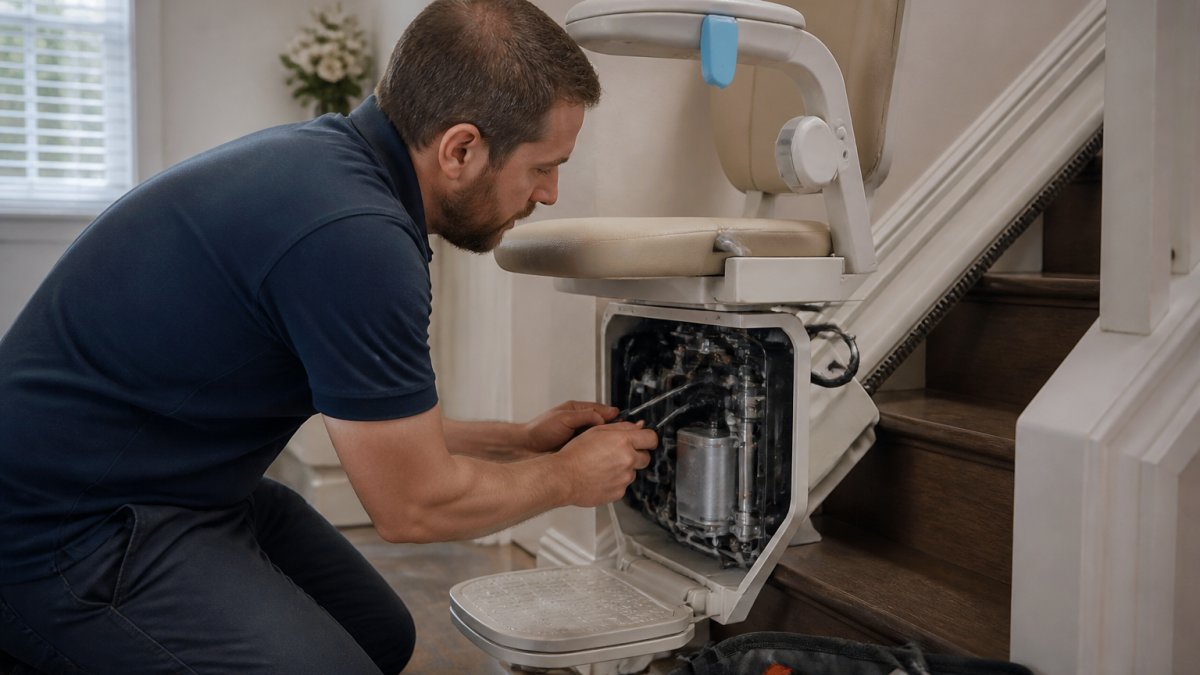
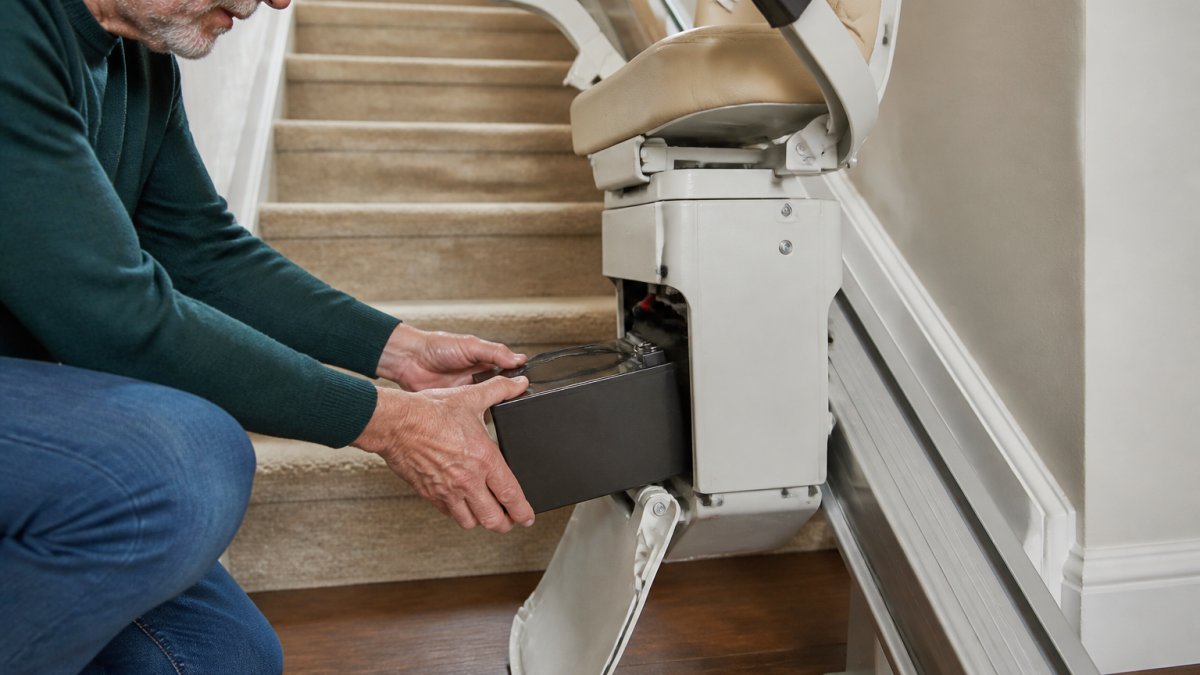
A practical way to plan: note the installation date and watch for the warning signs covered in the next section. When two or more appear together, budget for replacement rather than waiting for a mid-flight failure. Battery replacement is normal ownership maintenance, not evidence of a faulty lift. Have a qualified technician confirm the diagnosis and install the correct replacement pack for your model; do not attempt a swap yourself, because battery replacement involves the charging circuit. If you are unsure how battery backup fits into your lift's power setup, our guide on whether a battery backup is necessary for stairlifts explains the options.
Stairlift Battery Warning Signs to Watch For
Catching battery trouble early saves money and hassle, and it keeps you from being stranded mid-flight. Watch for these stairlift battery warning signs:
- The lift beeps or flashes a low-power alert
- Rides feel slower or less smooth than they used to
- The chair stops short of the charge point
- The charger indicator light stays off, flickers, or never changes
- The battery drains faster than it did a few months ago
- The lift needs a "restart", switched off and back on, to finish a trip
- The lift runs only a short distance before slowing
One sign on its own can be a fluke. Two or more appearing together, or any single sign that persists for more than a few days, is your cue to act rather than wait.
Separate the charger from the battery. Many "battery" problems are actually charging problems. Before assuming the battery is failing, confirm the wall switch is on, the breaker has not tripped, the chair is fully at the charge point, and the contacts and charge strips are clean. If the charger light comes on and stays steady, the charger is likely working and the battery is the suspect. If the light never comes on, suspect the power supply or charger first.
What to record before you call for service. A technician can diagnose faster, and you avoid a repeat visit, if you note:
- Which warning sign appeared and when you first noticed it
- Whether the charger light is on, off, or flickering
- How far the chair travels before slowing or stopping
- Whether the problem happens at both landings or only one
- Your lift's model and approximate installation date
What not to do. Do not open the battery compartment, attempt to bypass the charger, or substitute a battery from another device. Battery replacement and charger repair are technician work.
If a warning sign appears alongside a charging fault, work through the troubleshooting steps in the next section first. If the problem persists after those checks, arrange professional service.
Troubleshooting: What to Do When Your Stairlift Is Not Charging
A stairlift not charging is usually a simple fix. Work through these checks before calling for service.
- Confirm the wall switch is on. This is the most common cause.
- Check the breaker. A tripped breaker cuts charger power.
- Verify the chair is at the charge point. Even a few inches off can break contact.
- Inspect the contacts and charge strips. Clean them if dirty.
- Look for obstructions on the rail. Debris can stop the chair short.
- Check the charger indicator light. No light usually means no power.
- Reset the lift. Switch off, wait a minute, switch back on.
If the problem persists, it is time for a professional look from a qualified technician. Readers facing recurring charging faults may want to compare stairlift service contracts for ongoing professional support. Booking an annual stairlift safety inspection can also catch underlying issues behind recurring charging problems.
Stairlift battery care comes down to a few consistent habits: park at the charge point, leave the lift on, ride it regularly, and keep the contacts and rail clean. When charging problems or warning signs appear, act early rather than waiting for a breakdown. CT Stairlifts provides specialized stairlift installations designed to help you regain access to every floor of your home. We help homeowners regain access to every floor of their home with a lift that stays charged and ready to use. Get started with CT Stairlifts and keep your stairlift running reliably for years.
Frequently Asked Questions
How long should stairlift batteries last?
Stairlift battery lifespan depends on usage, charging habits, and battery condition, and varies by model. Frequent use with proper parking at the charging point helps maximize lifespan. If you notice reduced performance or frequent low power warnings, it may be time for a replacement.
What should I do if my stairlift is not charging?
First, check that the stairlift is correctly parked at the charging point and that the power supply is connected. Inspect the charging contacts and rail charge strips for dust or debris, and clean them gently. If the issue persists, contact CT Stairlifts for a professional diagnosis to avoid damaging the battery.
Can I replace a stairlift battery myself?
Battery replacement is technician work. Attempting a DIY replacement can pose safety risks, so consult a qualified technician for a professional battery replacement.
Should a stairlift stay plugged in when not in use?
Yes, a stairlift should remain switched on and parked at the charging point when not in use. This keeps the battery topped up and ready for the next ride. Leaving it off or away from the charging point can lead to battery stagnation and reduced lifespan over time.